

Browsers Plugins
Firefox Tab Memory Optimizer
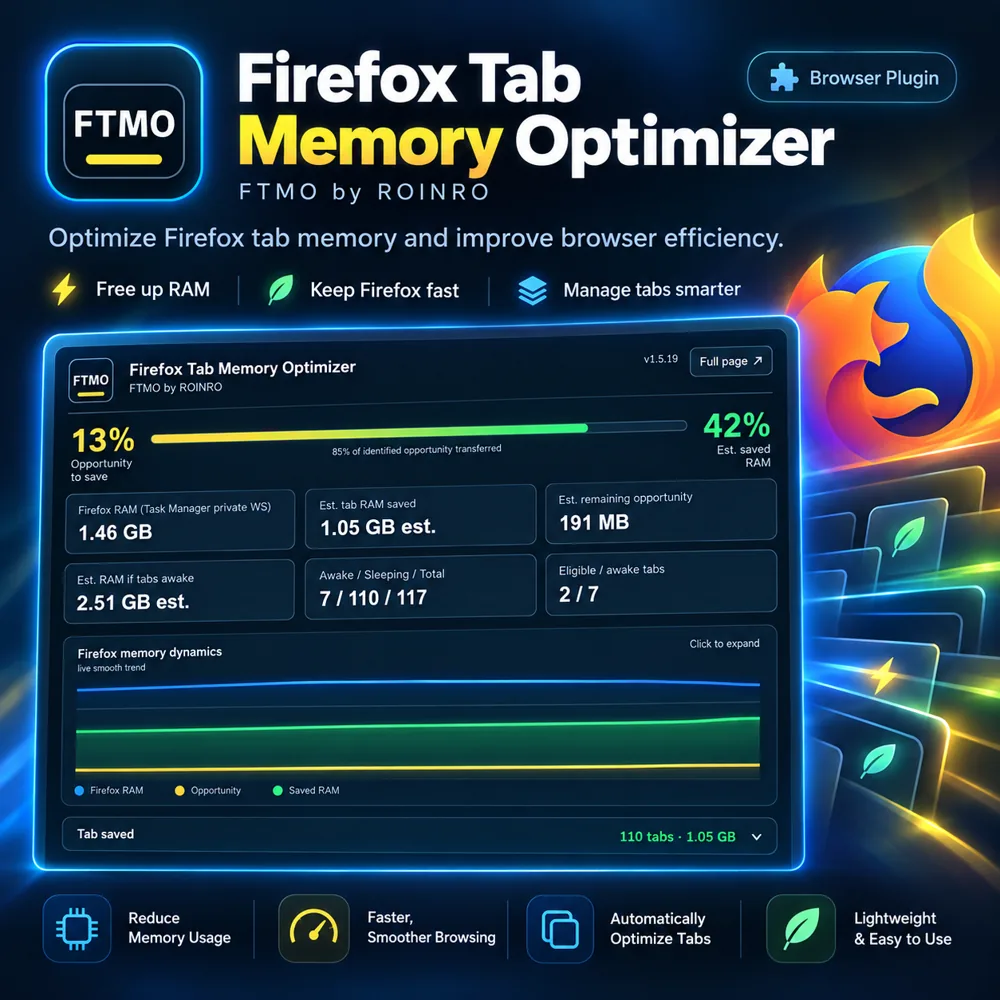
Reduce Firefox tab memory usage with tab sleeping and local measurements.
View actual application screenshot
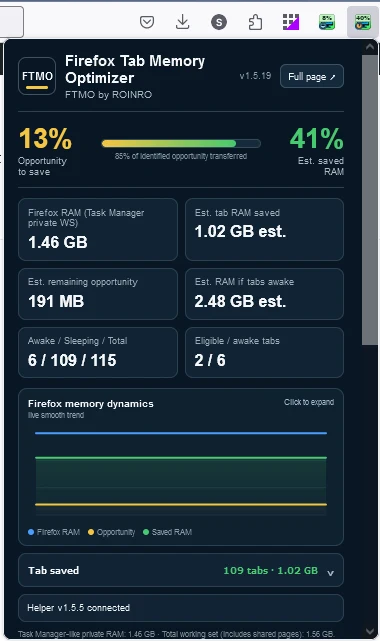
Firefox tab sleeping, tab-state tracking, memory-savings estimates and optional local RAM helper integration.
- Sleeping and awake tab controls
- Measured/estimated memory reporting
- Configurable tab policies
Application prefix: FT. Copy the 8-character application code from the software before purchase. A paid licence is issued only after provider-verified payment completion.
More ITSupportEx tools
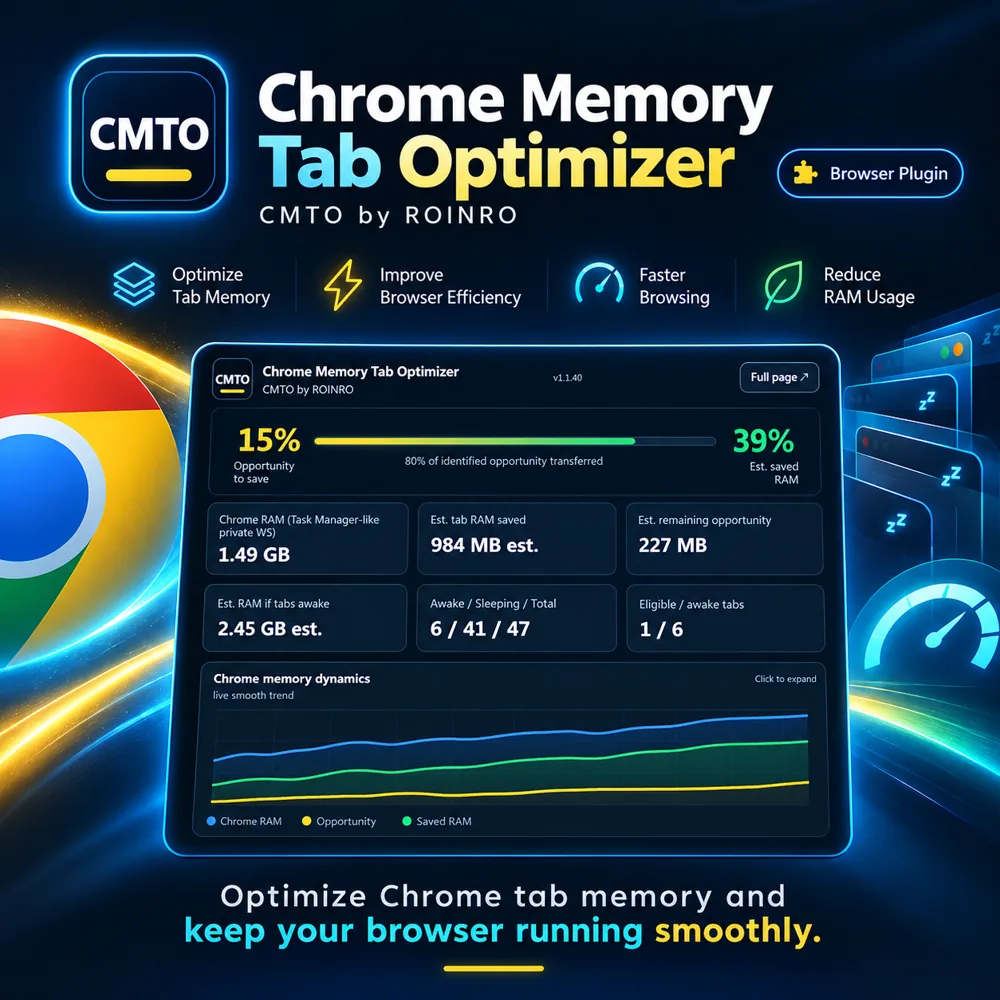

Reduce Chrome tab memory usage while preserving your browsing session.


Monitor and optimize Windows RAM, CPU and background resources locally.
Features, downloads and setup — Firefox Tab Memory Optimizer
Current test source: 1.5.19 R26 · Mozilla Firefox. Unverified preview: not Chrome Web Store / Firefox Add-ons approved.
Track Firefox tab-memory estimates and sleep idle tabs with manual and configurable optimization policies.
Main functions
- Configurable tab sleeping
- Tab savings and opportunities dashboard
- Protected page refresh behavior
- Optional Windows native helper
Testing only: The ZIP/XPI is not a verified browser-store release. Review its permissions and source code. Do not deploy to production machines or run optional Windows helper scripts without independent testing.
Step-by-step developer installation
- Download the R26 source ZIP and extract it to a local test directory. The unsigned XPI is also provided for developer inspection.
- Open Firefox and navigate to about:debugging#/runtime/this-firefox.
- Choose Load Temporary Add-on and select extension/manifest.json from the extracted source ZIP (or select the unsigned test XPI).
- Review requested permissions and check the FTMO toolbar icon and dashboard.
- Test on expendable tabs and confirm sleep/wake behavior before enabling aggressive options.
- For licensing, enter the FT application code at /licence or /payments and click Check payment / licence in the extension after provider verification.
- This is a temporary test install: it is removed when Firefox restarts. A permanently distributed XPI must be appropriately signed by Mozilla.
Licensing & activation · Buy or renew a licence · Contact support
Customer reviews
No verified customer ratings yet. Be the first to leave a review.
Reviews are submitted through WordPress and subject to moderation. No ratings or testimonials are fabricated.
Write a review