
Installation & management · support@itsupportex.com · 1-888-884-6246
Leantime Timeline
View accessible projects, milestones, and tasks on an adjustable timeline and record daily effort.
Reviewed release: 0.1.0 — 90-day build
1. Before installation
A compatible Leantime build and schema, a verified Timeline release package, Docker deployment details and database/plugin backups. Available files include multiple installer families; a complete matched README/package for the currently advertised 0.1.0 build was not established in this review.
- Record the platform/application version and select its matched release.
- Back up configuration, application data and persistent storage; verify how to restore them.
- Read the included installer and release notes. Use a new extraction directory, preserve existing data and arrange a maintenance window.
- Obtain the package from IT Supportex and verify its published checksum when supplied. Do not paste licence keys or passwords into a support ticket.
2. Install or upgrade
These are server/application plugins, not WordPress plugins. Commands below apply only to the named release and environment.
A compatible Leantime build and schema, a verified Timeline release package, Docker deployment details and database/plugin backups. Available files include multiple installer families; a complete matched README/package for the currently advertised 0.1.0 build was not established in this review.
IT Supportex can assist with release selection, installation and ongoing management.
3. Configure and verify
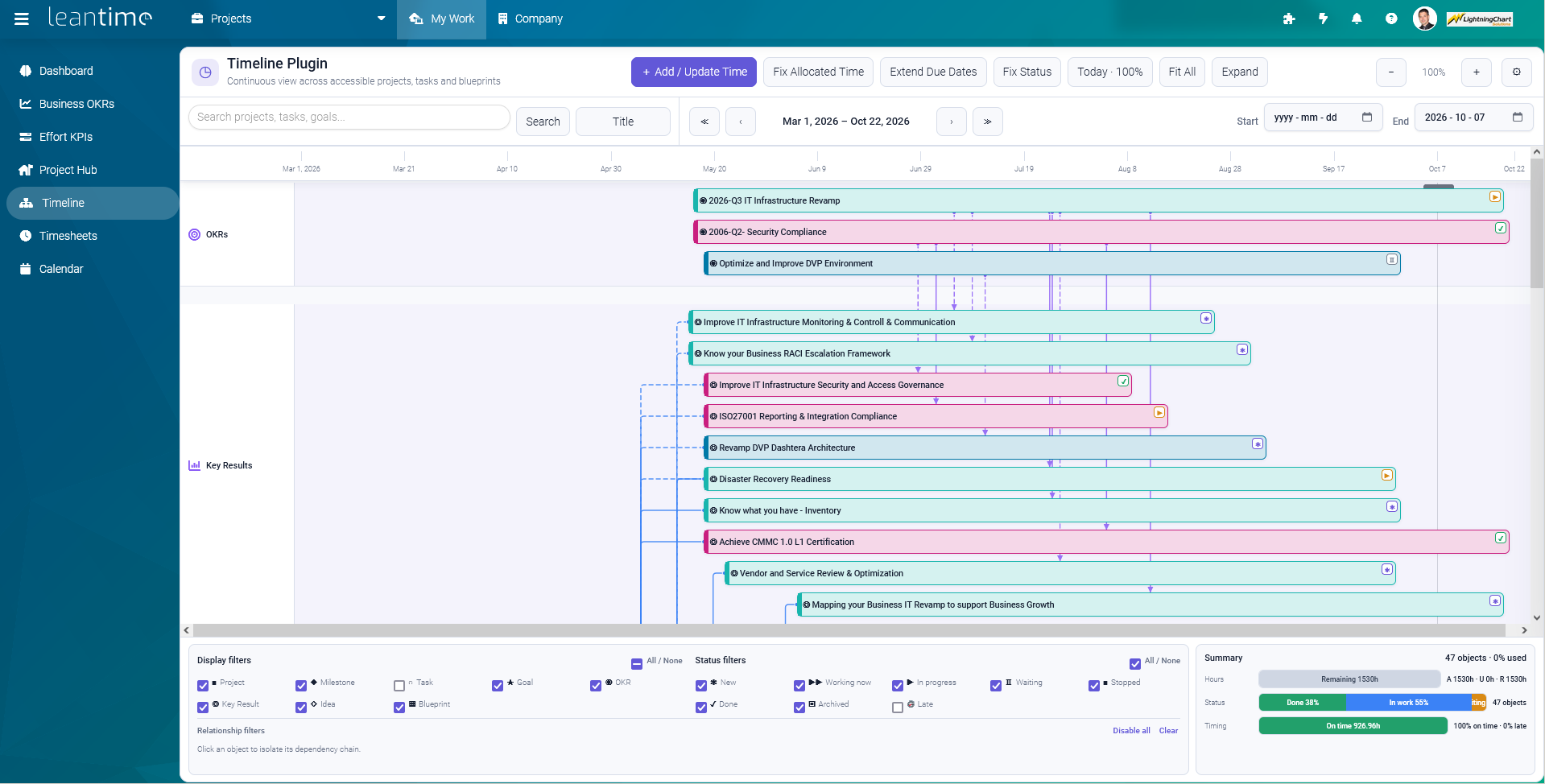
Installation assistance is required to choose a matched release and verify its exact installer. No unverified command is supplied. After deployment, check My Work → Timeline, project/task permissions, Gantt/linear/radial views, date range and daily time entry against the installed build. Screenshot features may belong to a later build than the advertised release.
4. Upgrade and recovery
Preserve time records, database, plugin, licence state and any modified navigation files. Keep the previous compatible installer and backup. Contact support to plan recovery rather than mixing files from different Timeline versions.
5. Get assistance
Send the platform version, plugin version, exact failing step and sanitized error output to support@itsupportex.com. We can scope installation, configuration, validation, documentation and management services for your environment.
Source basis & limitations
ROINRO Timeline Plugin v0.1.0 README.md
Instructions were reviewed from accessible release material; they have not been executed on your server during this website update. Licence and compatibility terms must match the actual distributed build.
Product artwork
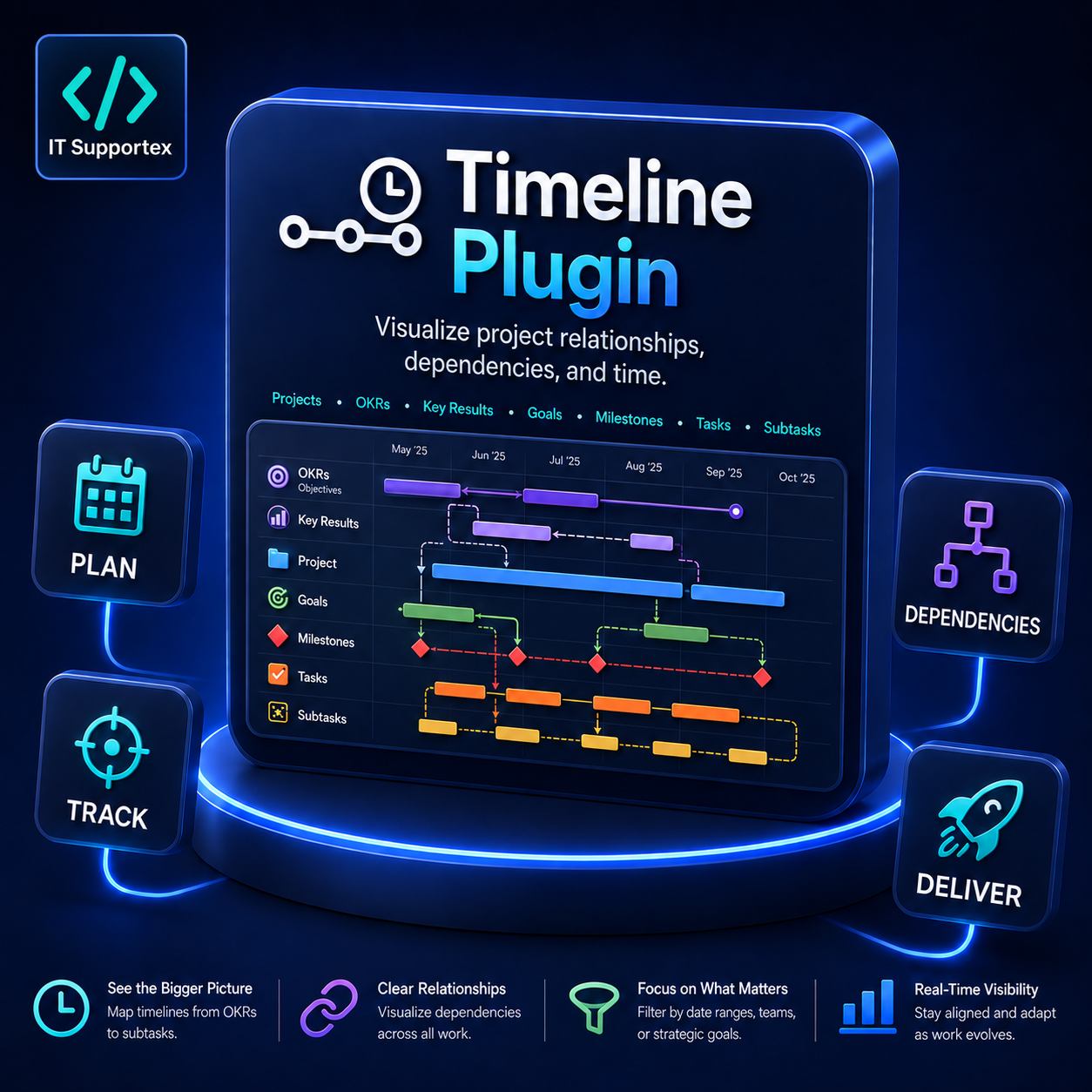
Illustrated promotional artwork. Screens and figures shown are examples.