
Installation & management · support@itsupportex.com · 1-888-884-6246
Leantime Optimizer
This guide covers assisted installation planning. A matched installer and release README must be confirmed before deployment.
Product information
The reviewed August 2026 installed-plugin inventory describes a My Apps wrapper for the MyToDos optimization module. Activation applies settings, clears caches and writes a restart-required notice. Its README path in that installation is /custom_plugins/leantime-optimizer/index.html; retrieve the guide shipped with your matched release before using it.
1. Information to provide
- Leantime version and PHP version.
- Docker or native installation, application path and database engine/version.
- Installed plugin versions, desired functionality and maintenance window.
- Sanitized error details only; do not email passwords or credentials.
2. Prepare recovery
- Back up the Leantime database and confirm the backup is readable.
- Back up application configuration, plugins and persistent uploaded files.
- Document the current version, container image tag and restore procedure.
- Agree a rollback plan before any schema or configuration change.
3. Assisted installation
IT Supportex can identify the appropriate release, verify prerequisites and package integrity, review installation and migration steps, install it for the agreed environment and document configuration. No installation command is given here because the matching release has not been verified.
4. Acceptance checks
- Confirm normal Leantime sign-in and project/task access.
- Confirm the product loads and respects authorized user access.
- Review application logs and validate the agreed functionality with representative data.
- For database work, verify backup/restore and normal application reads and writes; do not run unreviewed schema commands.
5. Ongoing management
We can agree update scheduling, backups, compatibility review, monitoring and support scope. A promotional picture does not establish specific release features or performance.
Get assistance
support@itsupportex.com · 1-888-884-6246
Product artwork
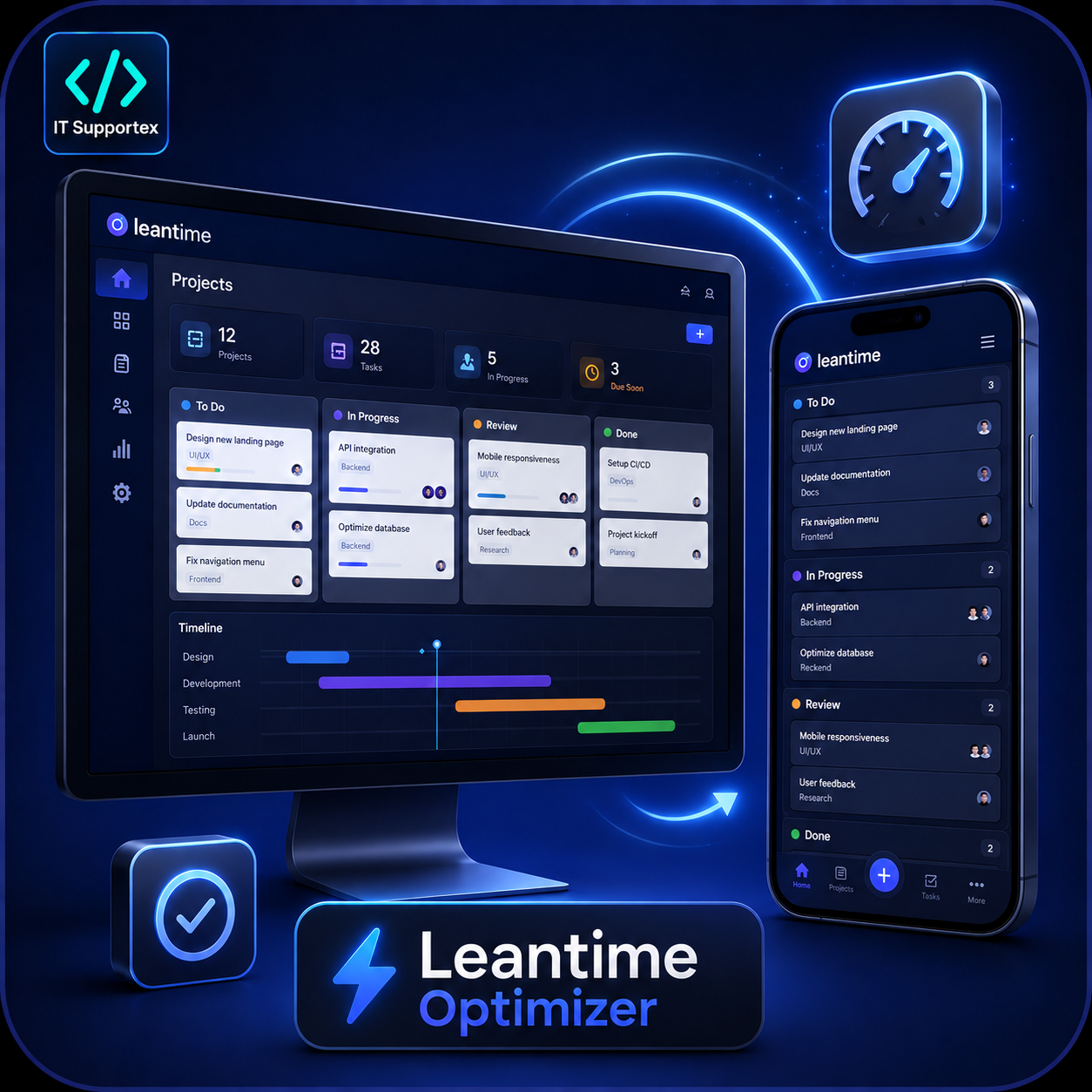
Illustrated promotional artwork. Screens and figures shown are examples.