
Installation & management · support@itsupportex.com · 1-888-884-6246
CWP Precision Backup & Restore
Back up selected CWP components and review or simulate restores before applying changes.
Reviewed release: 0.18.0
1. Before installation
CWP with Restic and required utilities. Maintain recovery credentials, available storage and an independently recoverable backup. Verify remote repository write/mount access.
- Record the platform/application version and select its matched release.
- Back up configuration, application data and persistent storage; verify how to restore them.
- Read the included installer and release notes. Use a new extraction directory, preserve existing data and arrange a maintenance window.
- Obtain the package from IT Supportex and verify its published checksum when supplied. Do not paste licence keys or passwords into a support ticket.
2. Install or upgrade
These are server/application plugins, not WordPress plugins. Commands below apply only to the named release and environment.
unzip cwp-precision-backup-v0.18.0.zip
cd cwp-precision-backup-v0.18.0
bash install.sh
/usr/local/sbin/cwpbrctl version
/usr/local/sbin/cwpbrctl access-diagnostics
Run CWP and Proxmox commands as root on the intended target. For Leantime, run the bundled installer from its extracted directory on the Docker host and replace the container placeholder. Confirm filenames exist before executing.
3. Configure and verify
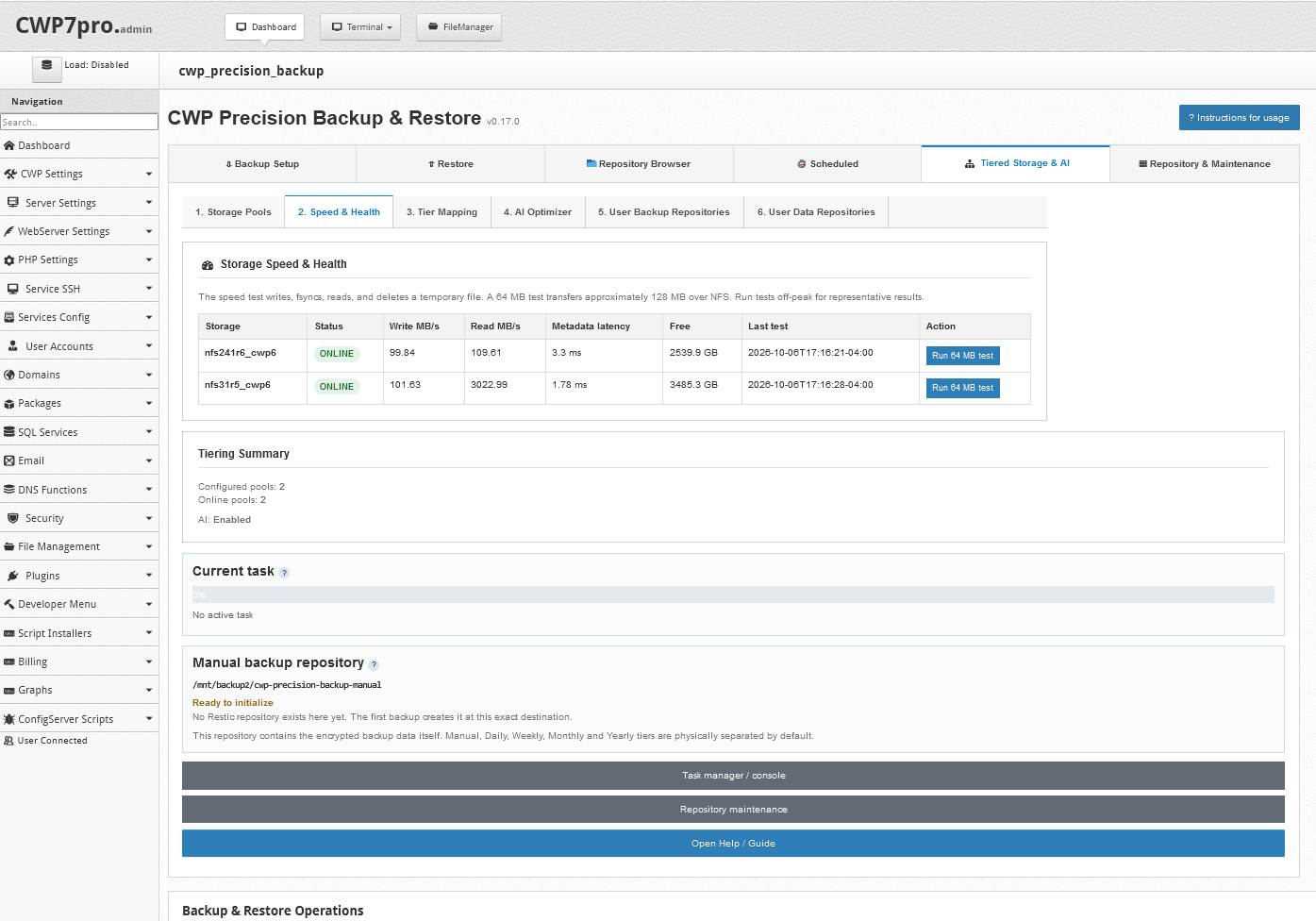
Configure a repository and securely record its Restic password. Select one account/component and make a test snapshot. Browse it, compare selected data, run restore simulation into staging, inspect readiness and restore a small sample. Configure tier schedules/retention only after recovery validation. Preserve repository identity and access mappings.
4. Upgrade and recovery
The installer preserves configuration, Restic password, repositories, job history and scheduler state. Never delete a repository or forget its password to repair a UI issue. Restore compatible plugin/configuration backups and contact support for repository recovery.
5. Get assistance
Send the platform version, plugin version, exact failing step and sanitized error output to support@itsupportex.com. We can scope installation, configuration, validation, documentation and management services for your environment.
Source basis & limitations
cwp-precision-backup-v0.18.0.zip / README.md
Instructions were reviewed from accessible release material; they have not been executed on your server during this website update. Licence and compatibility terms must match the actual distributed build.